Execu/Gift - Selling / Issuing Gift Cards
This document tells you how to sell or issue gift cards or gift certificates using Execu/Gift®.
Execu/Suite PMS Instructions
Execu/Touch POS Instructions
Selling / Issuing Gift Cards in PMS (hotel)
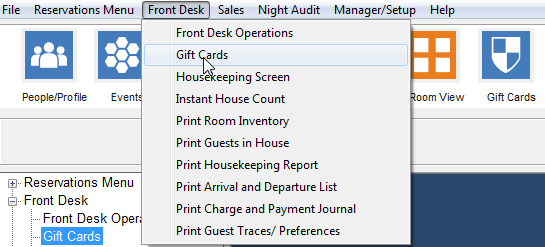
Select Gift Cards from your Front Desk or Guest Services menu, or from the icon on your toolbar.
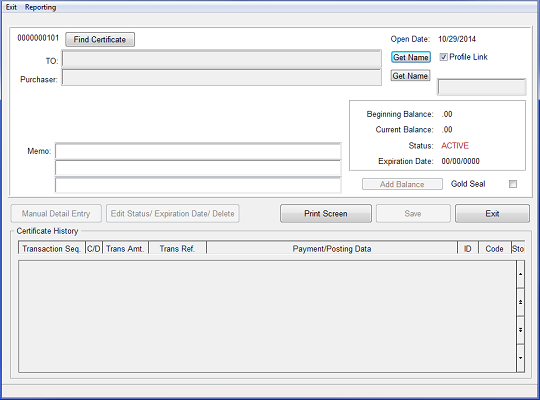
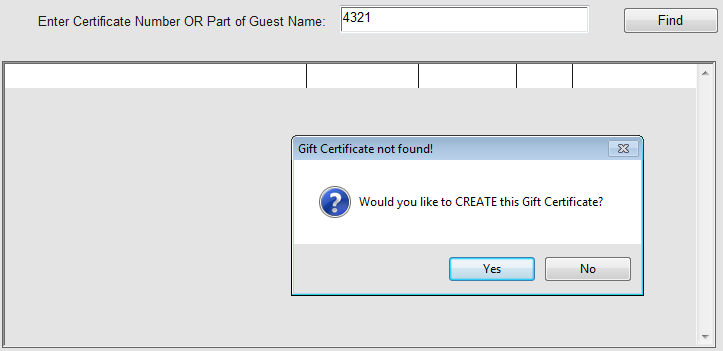
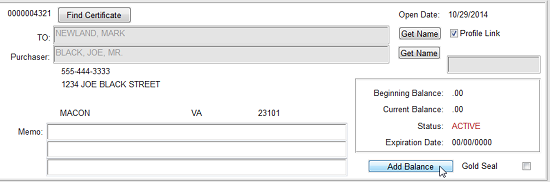
To create the gift card without swiping the card, enter the information here. The "next" card number will default.
Click Profile Link.
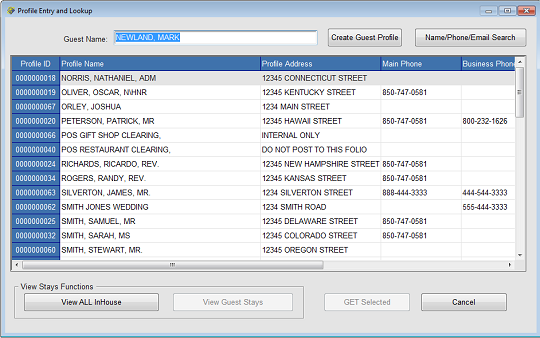
Click Get Name next to the TO and Purchaser fields. TO is a required field so that the card can be looked up by name. However, some properties create cards linked to a general "gift card" profile, and this is OK.
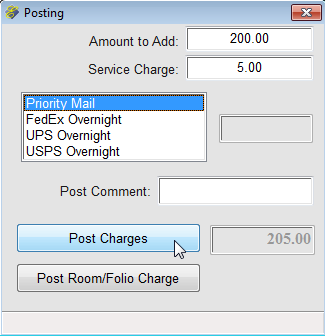
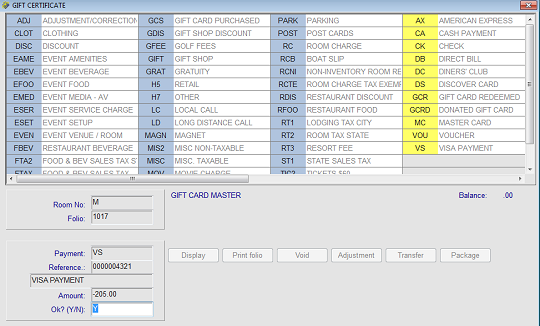
Click Post Charges. Enter the payment type that the guest is using to pay for the gift card. Process the payment as usual. The Post window will close automatically when you have finished. 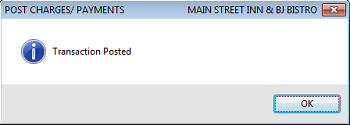 Here is what shows in the gift card master folio. Note that the balance is zero:  To post the sale to the guest's room folio rather than receive payment at the time of sale, click Post Room/Folio Charge instead of Post Charges: 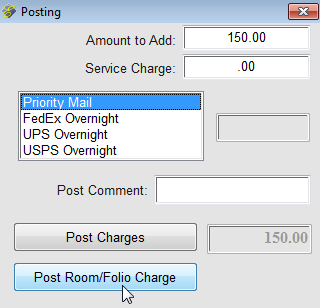 A popup will prompt for the room number.  The default code is GCRC as shown below. Do not change it. 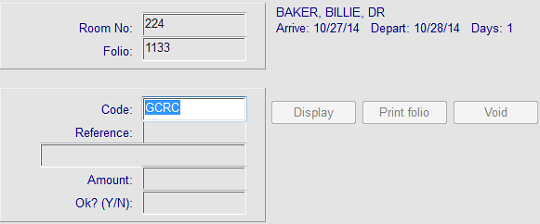 Continue to press Enter through the screen. When the transaction is completed, the Post window will close. 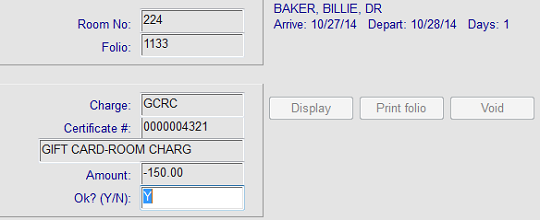 Below is the guest folio after the posting of the gift card sale to the guest's room. 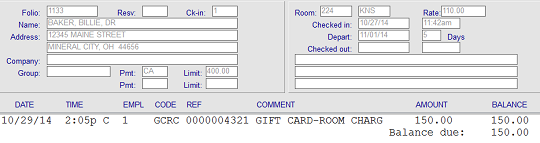 Back to top
|



Selling / Issuing Gift Cards in POS (Food & Beverage / Retail)
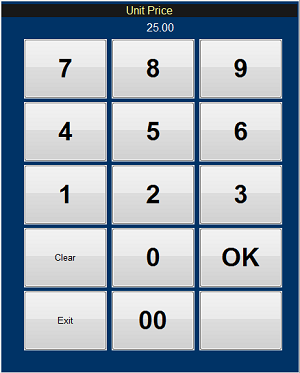
Enter the dollar amount and select OK.
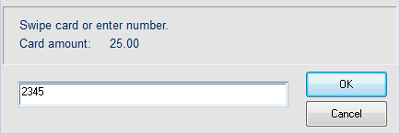
At the next prompt, enter the card number to create, or swipe the card.
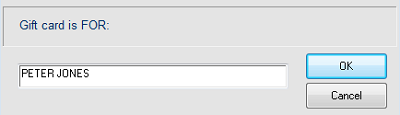
At the next prompt enter the name for the card recipient.
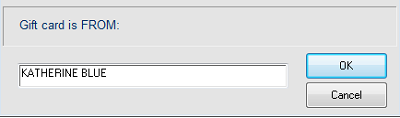
At the next prompt enter the name of the person the card is from.
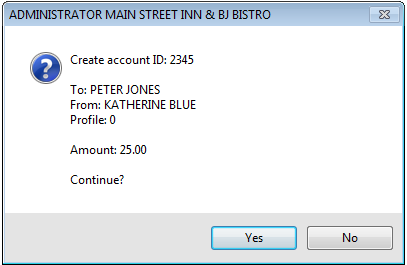
Select Yes to continue if the information is correct.
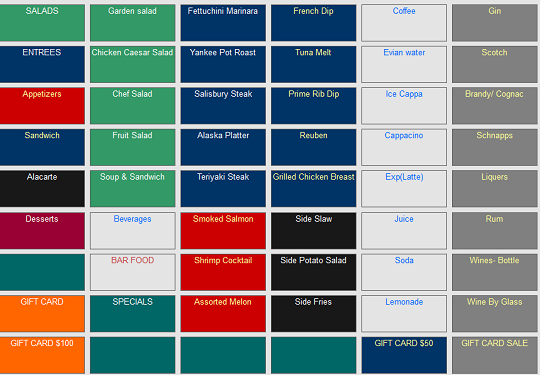
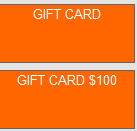
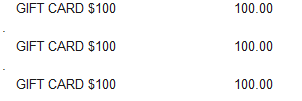
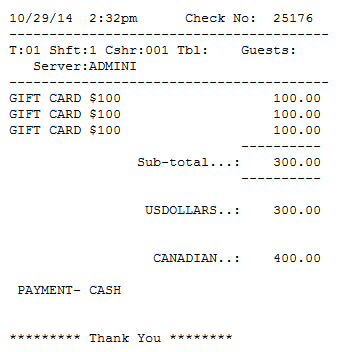
DO NOT use the quantity feature when selling gift cards. If you are selling three gift cards, select the GIFT CARD button three times as shown below. Each card must be on its own line so that the card number, etc., can be applied.
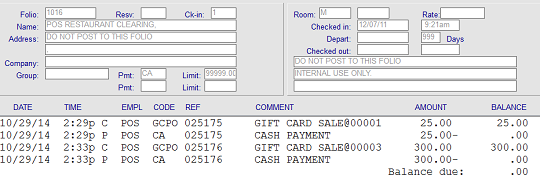
Below shows the sale in the POS Master Folio. |

See Also:
Execu/Gift Setup and Configuration