Credit Card Reminders
This is not a guide for processing credit cards. You should follow the instructions you were provided at training.
This document covers common user errors and ways to avoid making them:
Other messages and what they mean
 |
You should swipe the guest's credit card at check-in to preauthorize it. However, if you choose not to swipe the card, but to use a "card on file" or a "card from history," there are things you should know. |
|
"Use card on file" vs "Use card from history"
|
|
|
|
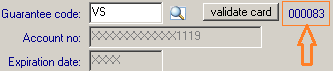
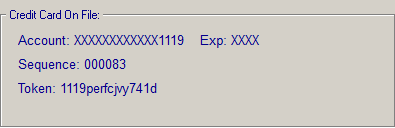
| Note: If the guest has stayed in the past and used a credit card, you may use the "Card from history." However, we STRONGLY DISCOURAGE doing this when making a reservation or checking in a guest. You should always get the credit card from the guest new, even if the guest used the card in the past. See Using a Card from History. |
|
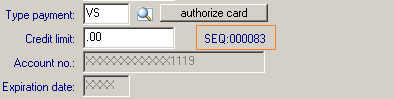
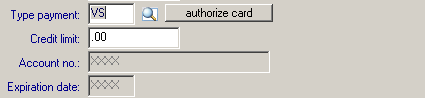
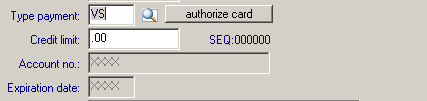
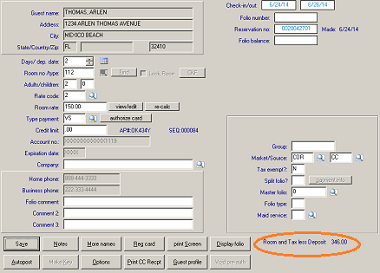
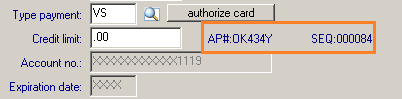
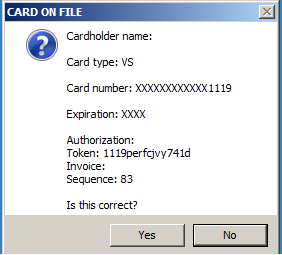
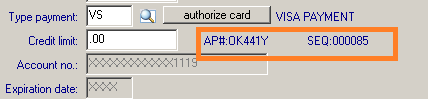
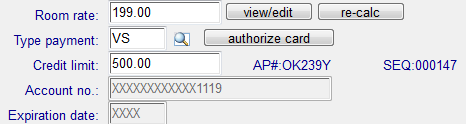
When you check in a reservation and are at Type Payment field, you will see a sequence (SEQ) number if there is a card on file.
Note: If there is a sequence number, it will not display until you are in the Type payment field.
IF YOU DO NOT SEE A SEQUENCE NUMBER (OR IF THE SEQUENCE NUMBER IS ALL ZEROS), THEN THERE IS NOT A CARD ON FILE.
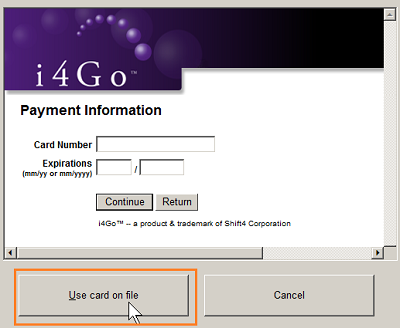
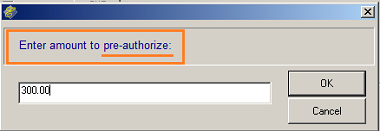
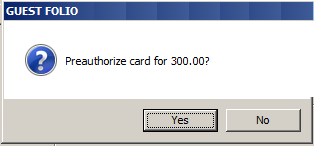
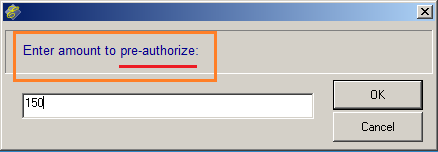
If you select "Use card on file" you will see a prompt, "Enter amount to pre-authorize". Make sure to read the prompt to be sure you are entering the amount in the correct place.
|
|
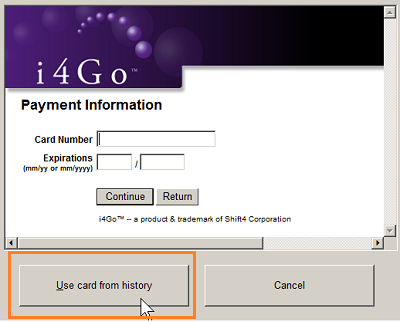
If you wish to use a "Card from history" for the guest, you will need to look up the guest's folio in Guest History.
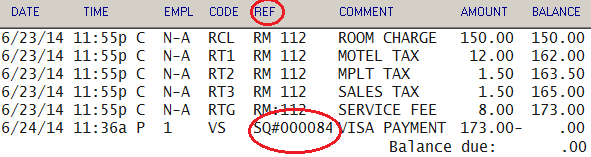
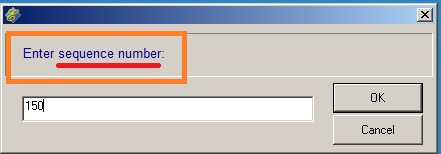
First, go into Guest History to display the guest's credit card transaction from a prior stay. Make a note of the Sequence number. You will find this in the REF column.
|
|
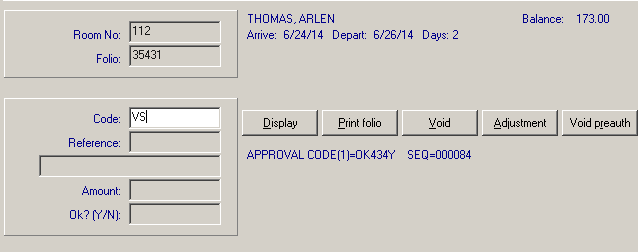
If a credit card was preauthorized at check-in, you will see the approval code, token, and sequence number displayed on the Post Payment screen that pops up when you check out a folio that has a balance.
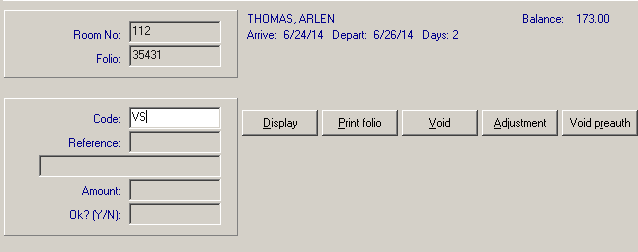
You will need to swipe the guest's card, obtain the guest's credit card information and enter it manually, or use a valid card from history. The Post Payment window automatically will open. Do not go directly to Post Folio before checking out the guest. Otherwise, you will process the guest's card as a sale and the preauthorization will remain on the card. |
|
Other messages and what they mean
Over Credit Limit
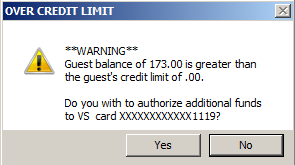
The following message displays at check-out because the amount preauthorized is insufficient to process the folio balance. **WARNING**
Do you wish to authorize additional funds to card XXXXXXXXXXXXXXXX?
You should first increase the preauthorization by answering Yes. Then you will have sufficient funds for the transaction. Alternatively, you can obtain an alternate or secondary form of payment. Increasing the Credit Limit
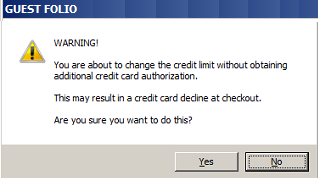
The following message displays if you increase the guest's credit limit by typing a number into the "Credit limit" field without preauthorizing an additional amount on the guest's credit card.
WARNING!
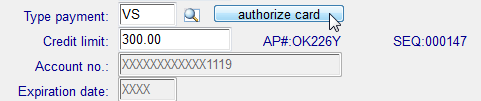
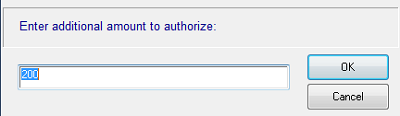
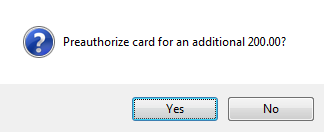
You should answer No. Simply increasing the "Credit limit" field does not add funds to the credit card authorization. The correct way to increase the credit limit is to authorize additional funds first, then the credit limit field will update automatically.
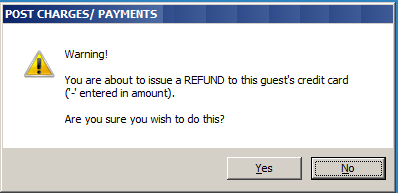
This message also displays if you enter a credit amount (using the minus sign) when posting a payment through Post Folio.
Warning!
|
See Also: